
Your iPhone doesn’t have to stay in your pocket for your Apple Watch to keep you connected.ATT Apple Watches combine Apple’s smartwatch hardware with AT&T cellular service, letting compatible cellular models handle calls, messages, and other connected features even when your iPhone isn’t nearby. With NumberSync, you can also use your existing iPhone number on a compatible Apple Watch.
For 2026, the key models to consider include the Apple Watch Series 12, Apple Watch Ultra 4, and Apple Watch SE 3. Each targets a different type of buyer, from everyday health and fitness tracking to rugged outdoor use and lower-cost smartwatch ownership. The right choice ultimately comes down to your budget, cellular needs, and how you plan to use your Apple Watch.
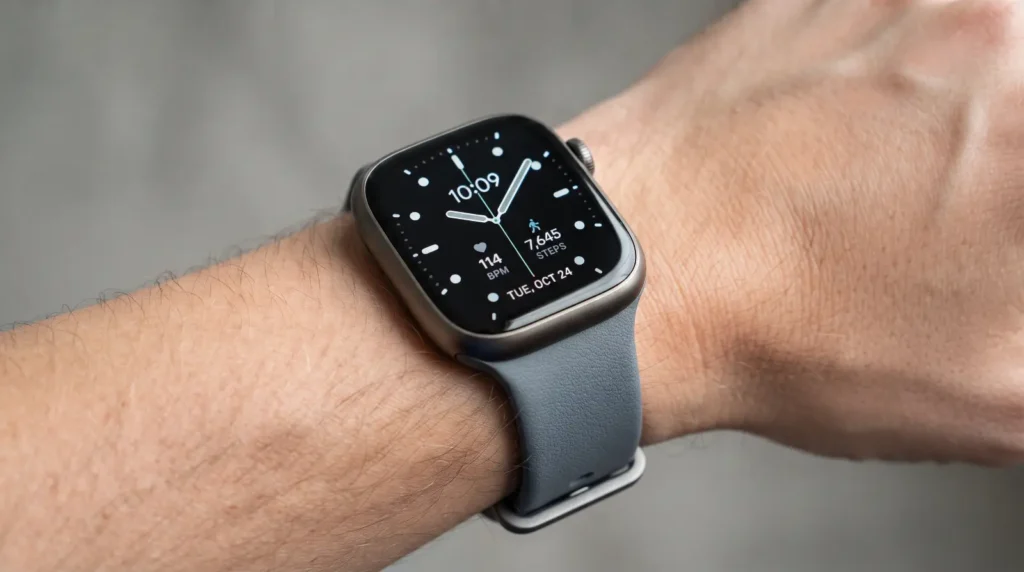
What Are ATT Apple Watches?
ATT Apple Watches are cellular-capable Apple Watch models activated on an AT&T wireless account. AT&T uses NumberSync to connect the watch with your iPhone number, so you can make and receive calls from the watch while your iPhone is not nearby.
The important distinction is GPS versus GPS + Cellular. A GPS-only Apple Watch can still use Bluetooth and Wi-Fi, but it does not independently connect to AT&T’s cellular network.
A cellular model is the better choice if you regularly run, walk, travel, exercise, or simply want the option of leaving your phone at home.
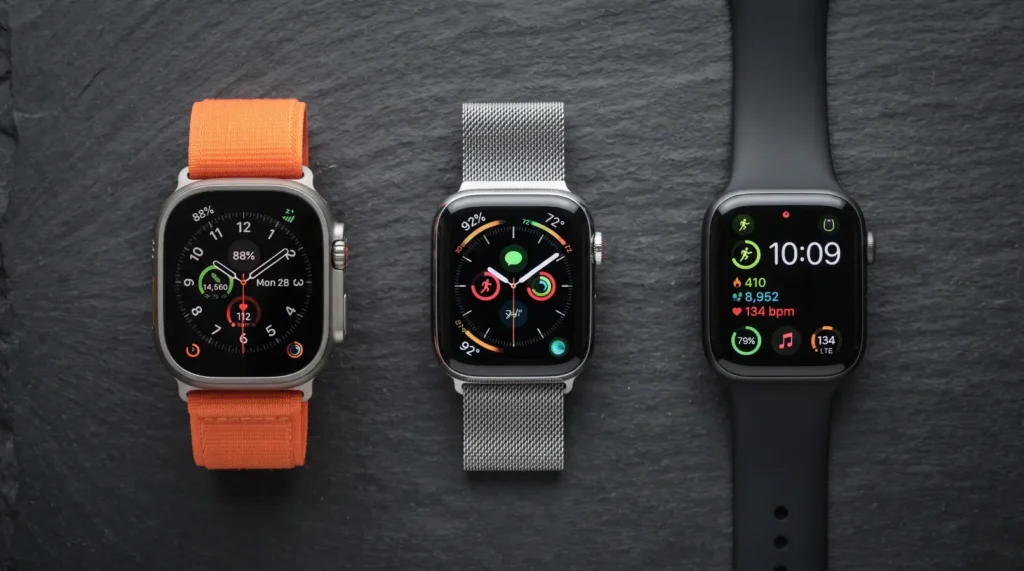
Which Apple Watch Models Work Best With ATT?
AT&T currently sells Apple Watch models alongside other connected wearables, while Apple lists AT&T as a supported U.S. carrier for Apple Watch cellular service.
Here is the quick comparison:
| Model | Best For | Case Options | Starting Price* | Main Advantage |
|---|---|---|---|---|
| Apple Watch Series 12 | Most people | 42mm / 46mm | From $399 | Best overall balance |
| Apple Watch Ultra 4 | Outdoor & serious fitness | 49mm | From $700 | Rugged design and longer battery |
| Apple Watch SE 3 | Budget buyers | 40mm / 44mm | From $249 | Lower entry price |
*Apple’s current U.S. store lists these starting prices; AT&T promotions, financing, and availability can differ.
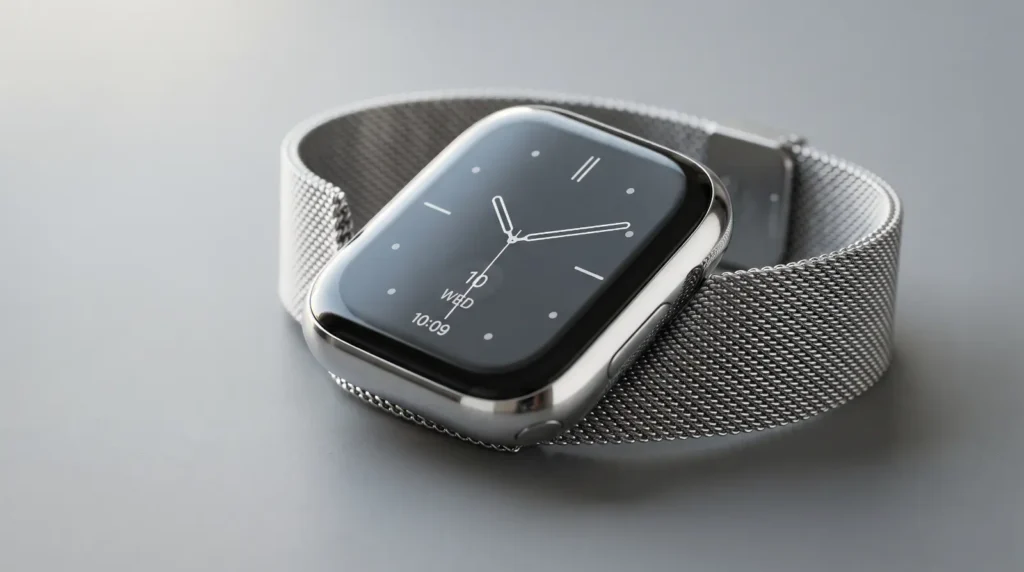
Best Overall: Apple Watch Series 12
The Series 12 is the sensible middle ground for most AT&T customers. It gives you the familiar Apple Watch experience without the larger, heavier design of the Ultra line.
Apple lists the Series 12 in 42mm and 46mm sizes, with aluminum, titanium, and ceramic case options depending on configuration. Its display reaches up to 2,000 nits, giving it strong outdoor readability.
Best for: Everyday wear, health tracking, notifications, workouts, and users who want a premium Apple Watch without going Ultra.
The Series 12 is particularly easy to recommend if your watch spends most of its life between the office, gym, errands, and occasional outdoor activities.
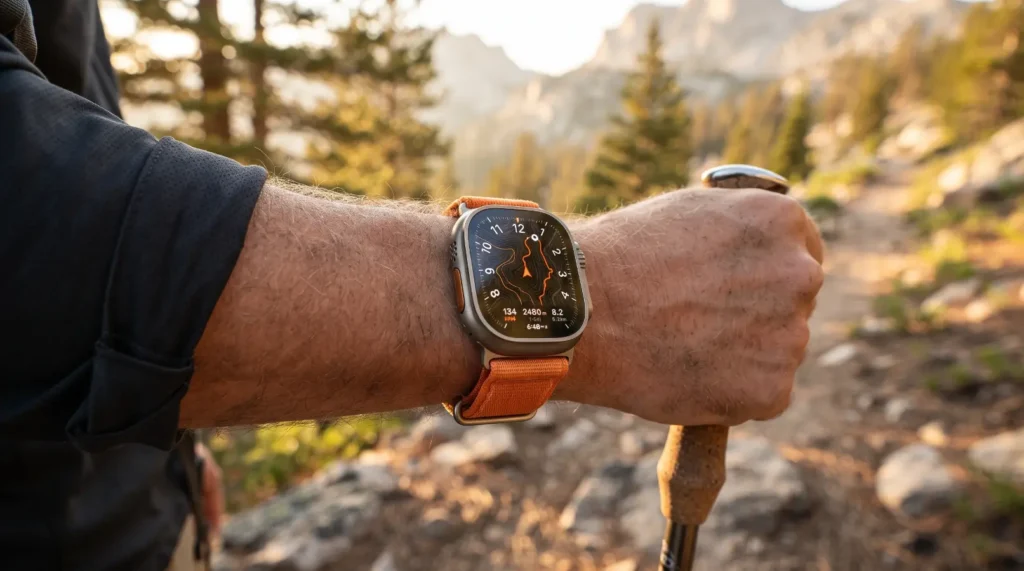
Best for Outdoor Use: Apple Watch Ultra 4
The Ultra 4 is the specialist choice. Its 49mm titanium case is substantially more substantial than the standard Series models, but that extra size brings a brighter display, rugged construction, and features aimed at outdoor and adventure use.
Apple lists up to 3,000 nits of display brightness for the Ultra 4, compared with up to 2,000 nits for the Series 12.
Best for: Hiking, endurance training, outdoor sports, travel, and buyers who prioritize durability and battery life.
It is also the current premium option, starting at $700 through Apple’s U.S. store.
For a smaller wrist, however, the Ultra 4 can feel unnecessarily large. You are paying for capabilities that casual smartwatch users may never use.
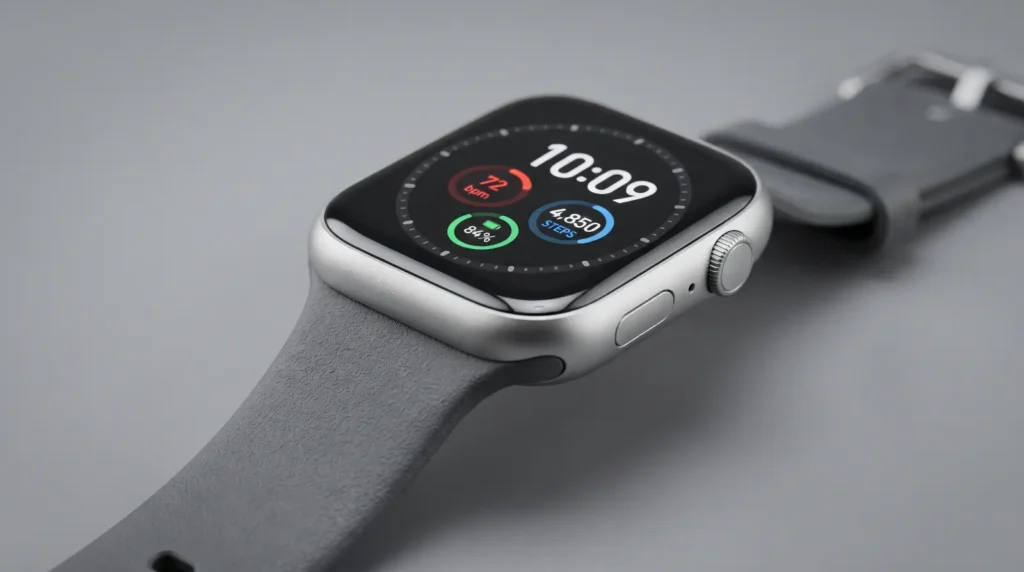
Best Value: Apple Watch SE 3
The SE 3 makes the most sense when you want the Apple Watch experience without paying Series-level pricing.
Apple lists the SE 3 from $249, making it substantially cheaper than the Series 12. It uses an aluminum case and comes in 40mm and 44mm sizes.
Best for: First-time Apple Watch buyers, students, family members, and shoppers who care more about core smartwatch functions than premium materials.
The compromise is straightforward: the SE 3 does not offer every advanced health and display feature found higher in the lineup.
For basic notifications, activity tracking, communication, and everyday smartwatch functions, that may not matter.
How Does ATT NumberSync Work?
NumberSync is the part that makes an AT&T cellular Apple Watch different from simply pairing a watch with an iPhone.
AT&T allows a compatible Apple Watch to use your iPhone’s existing number. Once the watch is synced, calls made from it can display your smartphone number to the recipient.
The basic setup is handled through Apple’s Watch app:
- Pair the Apple Watch with your iPhone.
- Open the Watch app.
- Select Cellular.
- Choose Set Up Cellular.
- Follow AT&T’s prompts to activate the service and NumberSync.
AT&T says an iPhone on an active AT&T Wireless plan is required for NumberSync, while AT&T Prepaid is not supported for this Apple Watch setup. The cellular watch plan itself is optional if you only want the watch connected through Bluetooth or Wi-Fi.
Do You Need a Separate ATT Watch Plan?
Yes, if you want the Apple Watch to connect directly to ATT’s cellular network away from your iPhone.
You do not need cellular service simply to use an Apple Watch over Bluetooth or Wi-Fi. The additional wireless plan becomes useful when you want independent cellular connectivity.
AT&T’s published service terms list an Apple Wearables plan at $10.99 per month when added to an eligible Unlimited Your Way group with a phone line. Plan pricing and eligibility can change, so check the current AT&T terms before purchasing.
That recurring cost is easy to overlook when comparing watch prices.
A $249 watch with cellular service can therefore cost more over time than the initial purchase price suggests.
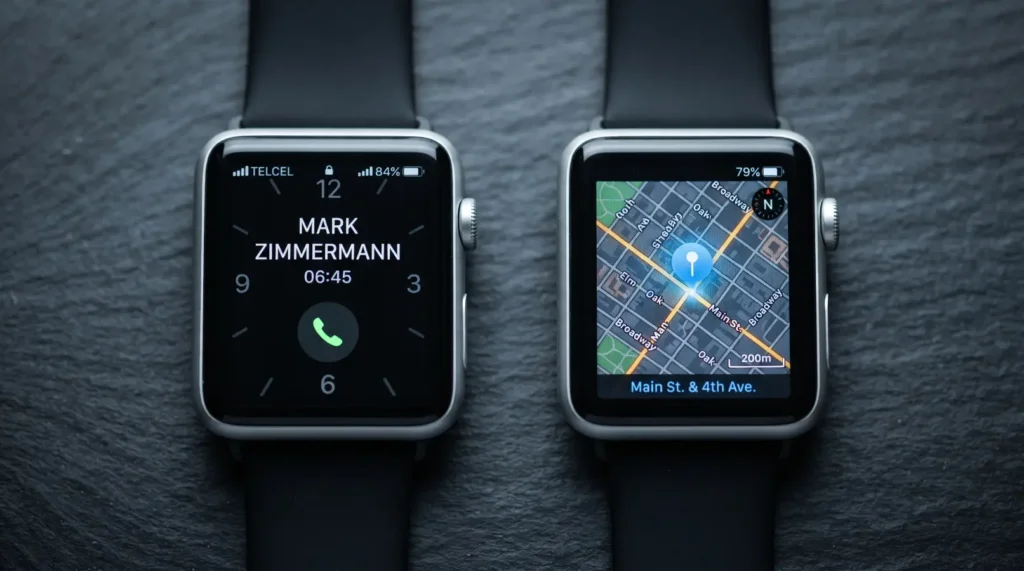
Cellular vs GPS: Which One Should You Buy?
The decision is simple: buy cellular if leaving your iPhone behind is something you will actually do.
A GPS model is enough for someone who normally carries an iPhone. A cellular model becomes more useful for runners, gym users, parents, travelers, and anyone who wants emergency communication or basic connectivity without carrying a phone.
Apple confirms that GPS + Cellular models with an active service plan can make calls, send texts, stream music, and access other connected features without the iPhone nearby.
Choose GPS if:
- Your iPhone is almost always with you.
- You want to minimize the purchase price.
- You mainly use Bluetooth and Wi-Fi.
- You do not need independent cellular connectivity.
Choose GPS + Cellular if:
- You frequently exercise without your phone.
- You want calls and messages while away from your iPhone.
- You travel or move around frequently.
- You want the option of leaving your phone behind.
Are ATT Apple Watches Worth Buying?
Yes, but only if the cellular functionality matches how you use a smartwatch.
The hardware itself comes from Apple. AT&T’s main role is providing the cellular connection and NumberSync service. That means you should judge the watch primarily by its model, size, health features, battery requirements, and durability rather than assuming an AT&T version is a fundamentally different Apple Watch.
For most people, the Series 12 is the strongest all-round choice. The SE 3 is the value option, while the Ultra 4 makes sense when outdoor capability and battery endurance justify the extra cost.
What Are the Downsides?
The biggest drawback is the ongoing cellular expense.
There is also a practical limitation: cellular connectivity does not eliminate the need for an iPhone altogether. AT&T’s NumberSync setup is designed around an active AT&T iPhone plan, and certain functions still depend on the phone, Wi-Fi, or network availability.
Other considerations include:
- Cellular service adds a recurring monthly charge.
- Larger Ultra models can feel bulky on smaller wrists.
- Battery life still depends heavily on how you use cellular, GPS, workouts, and other features.
- Carrier promotions can make pricing difficult to compare with Apple’s direct pricing.
- International connectivity has carrier-specific limitations.
AT&T itself notes that calls and data used over the watch’s cellular network appear on the watch plan, rather than simply being treated as Bluetooth usage on the phone.
Common Buying Mistakes to Avoid
The biggest mistake is buying the most expensive model simply because it has the most features. Most users do not need the Ultra’s rugged construction or larger case.
Another common mistake is paying for cellular when the iPhone never leaves your pocket.
Before ordering, check these points:
- Case size: 40/44mm or 42/46mm models are easier for everyday wear than the 49mm Ultra.
- Connectivity: Make sure you are buying GPS + Cellular if independent AT&T service is important.
- Monthly cost: Include the watch plan when calculating the real ownership cost.
- AT&T eligibility: Confirm your existing phone plan supports the watch setup.
- Promotion terms: A discounted watch may involve financing, an eligible plan, or other conditions.
How to Choose the Right Model
If you want one straightforward recommendation, start with the Series 12. It offers the strongest balance between size, features, price, and everyday usability.
Choose the SE 3 when keeping the purchase price down matters more than having Apple’s most advanced health and display technology.
Choose the Ultra 4 when your smartwatch is also going to be an outdoor tool.
That decision is more useful than simply asking which Apple Watch is the newest.
The Final Talk
The right AT&T Apple Watch is not always the most expensive one it’s the one that fits how you actually use your watch.For most buyers, the Apple Watch Series 12 offers a well-rounded mix of smart features, fitness tracking, and everyday convenience. The Apple Watch SE 3 makes more sense if value is the priority, while the Apple Watch Ultra 4 is built for users who need a more rugged option for demanding outdoor activities.
Before choosing, think beyond the watch itself. The biggest decision is whether you will actually use cellular connectivity enough to justify the recurring AT&T cost. If you want to make calls, send messages, stream, or stay connected without your iPhone nearby, GPS + Cellular can be significantly more useful than a GPS-only model.In short, choose the model based on your budget, daily routine, outdoor needs, and cellular usage not simply the highest price tag.
FAQs
Yes. AT&T’s NumberSync setup requires an iPhone on an active AT&T Wireless plan for supported Apple Watch configurations. The cellular watch can then connect to AT&T when the iPhone is not nearby.
Yes, but without an active cellular watch plan it will rely on Bluetooth or available Wi-Fi for connectivity. AT&T describes the cellular plan as optional when you do not need the watch to operate independently on its network.
The Series 12 is the best general-purpose option for most buyers. The SE 3 is better for budget-focused shoppers, while the Ultra 4 is aimed at outdoor and endurance users.
AT&T’s published Unlimited Your Way terms list its Apple Wearables plan at $10.99 per month when added to an eligible phone plan group, making it an important cost to consider when choosing ATT Apple Watches. Check AT&T’s current terms because pricing, eligibility, and promotions can change.
Yes. A compatible Apple Watch with active cellular service can make calls, send messages, and use supported connected features without the iPhone nearby.
Discover More,
Vortic Watches: 1 Incredible Pick You’ll Want to See
Trump Watches on Amazon: 7 Things to Know Before Buying
SPGBK Watches: 7 Best Picks You’ll Actually Want in 2026
[author box]